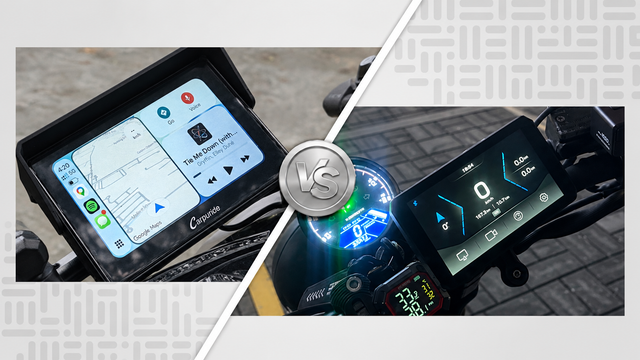
I already knew the Carpuride formula worked. I ran a 7-inch Carpuride display on a previous bike, and it nailed the one job that matters most on a motorcycle get CarPlay up fast, keep it glove-friendly, and don’t drop mid-ride. So when the smaller W502S Pro landed on my scooter, I wasn’t worried about the CarPlay side of things.
What I was curious about were the two features this unit adds that my old display never had: TPMS and lean angle tracking. Tire pressure monitoring sounds like a nice-to-have until you actually see live numbers on screen every time you ride. Lean angle tracking is the flashier addition, and flashy features are exactly the ones that tend to look better in marketing copy than they perform in real riding.
Carpuride W502S Pro + TPMS
A 5-inch waterproof CarPlay/Android Auto display with two mounting options—a square bracket and a 360° ball mount—plus wireless connectivity and an optional TPMS system for real-time tire pressure and temperature monitoring.
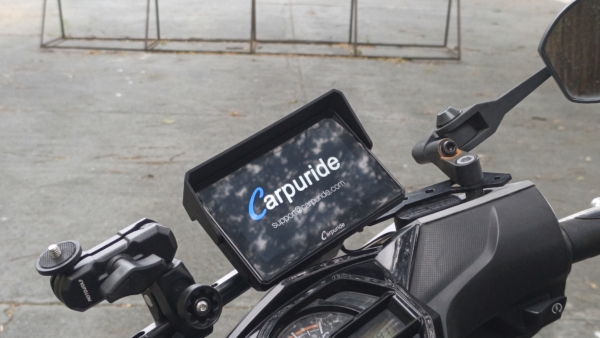
Carpuride sent this unit over to test, and I’ve had it mounted on my scooter for two to four weeks now. That’s enough time to get past the honeymoon phase and see how the TPMS holds up against a manual gauge and how the lean angle sensor behaves through actual corners. Here’s where the W502S Pro + TPMS earns its price, and where it still has room to improve.
Quick Verdict
Best For: Riders who want the same responsive CarPlay experience as a 7-inch unit but in a more compact footprint, plus real tire pressure data they don’t have to check manually.
Consider Alternatives If: You want native lean angle data pulled from your bike’s own sensors (that’s the BMW-specific W502BS), or you ride a bike where a 7-inch screen is easier to read at a glance.
At-a-Glance Specifications
| Feature | Specification |
|---|---|
| Street Price | ~$319.90 base (+TPMS add-on; pricing changes with Carpuride promos, check current cart total) |
| Screen Size | 5-inch IPS Display |
| Wireless Connectivity | 5GHz WiFi, Bluetooth 5.0 |
| Compatible Systems | Wireless CarPlay, Android Auto |
| TPMS | 2x wireless sensors, real-time pressure + temperature |
| Extra Sensors | Lean angle, compass, barometer, ambient light |
| Mounting | Square Bracket, 360 Bracket |
| Water Resistance | IP67 |
| Warranty | 2-year manufacturer |
Getting It Mounted: Install Experience
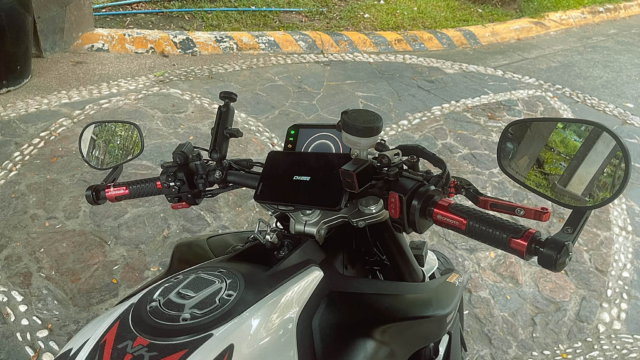
Setting up the W502S Pro started with the square bracket, and the process was straightforward, especially after using Carpuride’s mounting hardware before. The bracket clamps securely onto the handlebar, while the display attaches easily and can be adjusted to a comfortable viewing position. There’s no need to cut into the bike’s wiring or drill into the fairing, which keeps the installation simple and reversible. From unboxing to having the display powered on and paired with my phone, the whole process took under twenty minutes.
The TPMS install added a bit more time, but not much. Each sensor threads onto the tire valve stem in place of the regular cap, and Carpuride ships them pre-paired to the head unit, so there was no manual pairing sequence to fumble through with cold hands. I checked for air leaks with a bit of soapy water around each valve afterward, which is standard practice with any bolt-on sensor, and everything sealed clean on the first try.
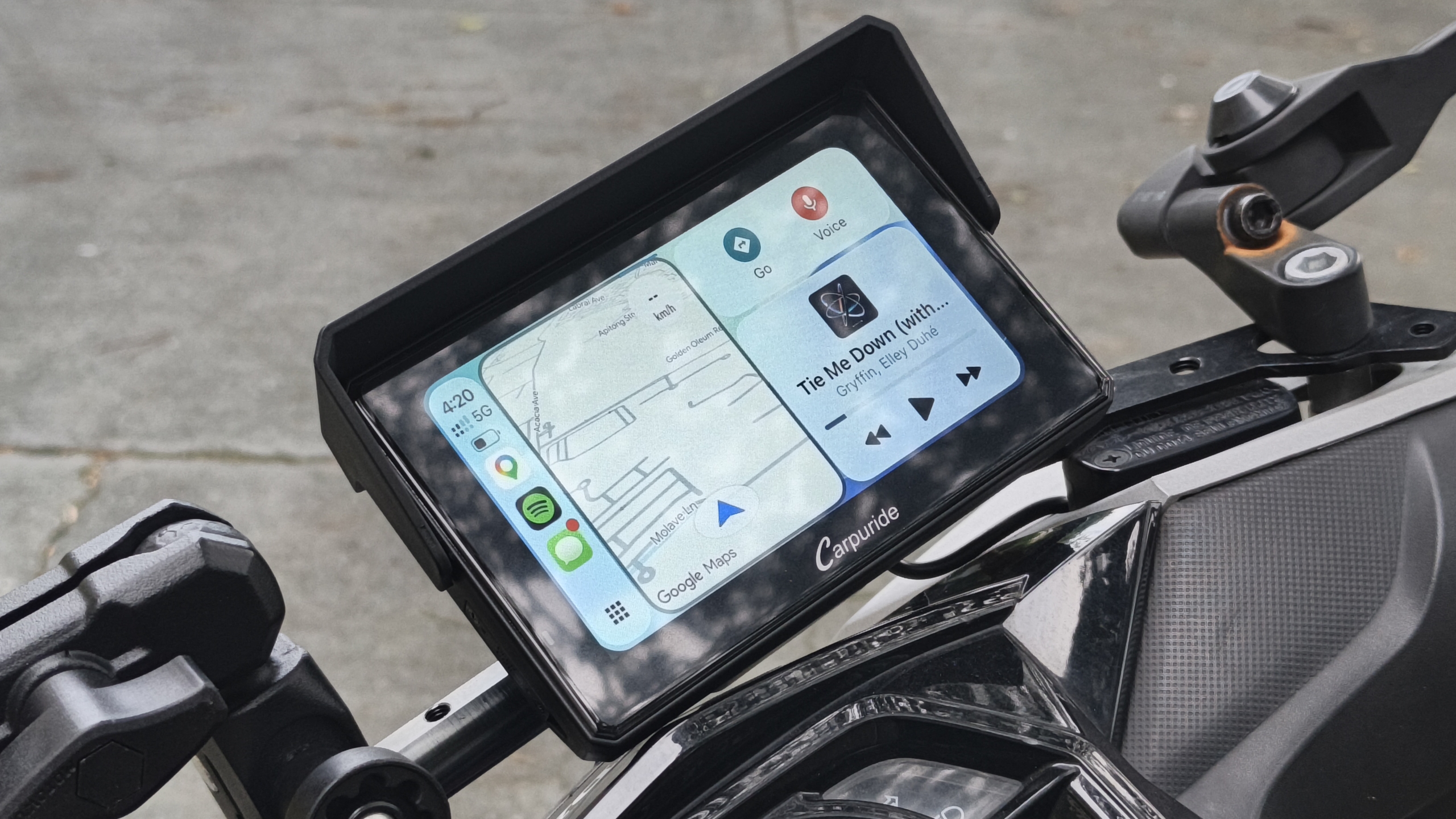
What stood out compared to my experience with a wired setup in the past was how little I had to think about power routing. The unit runs off USB, so I didn’t need to trace a hardwire connection back to the battery just to get the screen running. If you want a cleaner, permanent install later, the hardwire option is there, but starting on USB let me get riding the same day instead of planning around an electrical afternoon.
Same Screen Philosophy, Smaller Footprint
The core interaction model here felt familiar right away, since Carpuride builds the S Pro line on the same software and touch layer across screen sizes. The W502S Pro drops to 5 inches, and on my scooter’s tighter cockpit that’s the better fit. My old 7-inch unit made sense on a bigger bike; here it would’ve crowded the bars.
The touchscreen kept the same responsiveness I remembered from the 7-inch unit. Inputs register on the first tap with gloves on, no double-tapping to confirm a destination or skip a track. That consistency across screen sizes is what makes switching down to the smaller display painless.
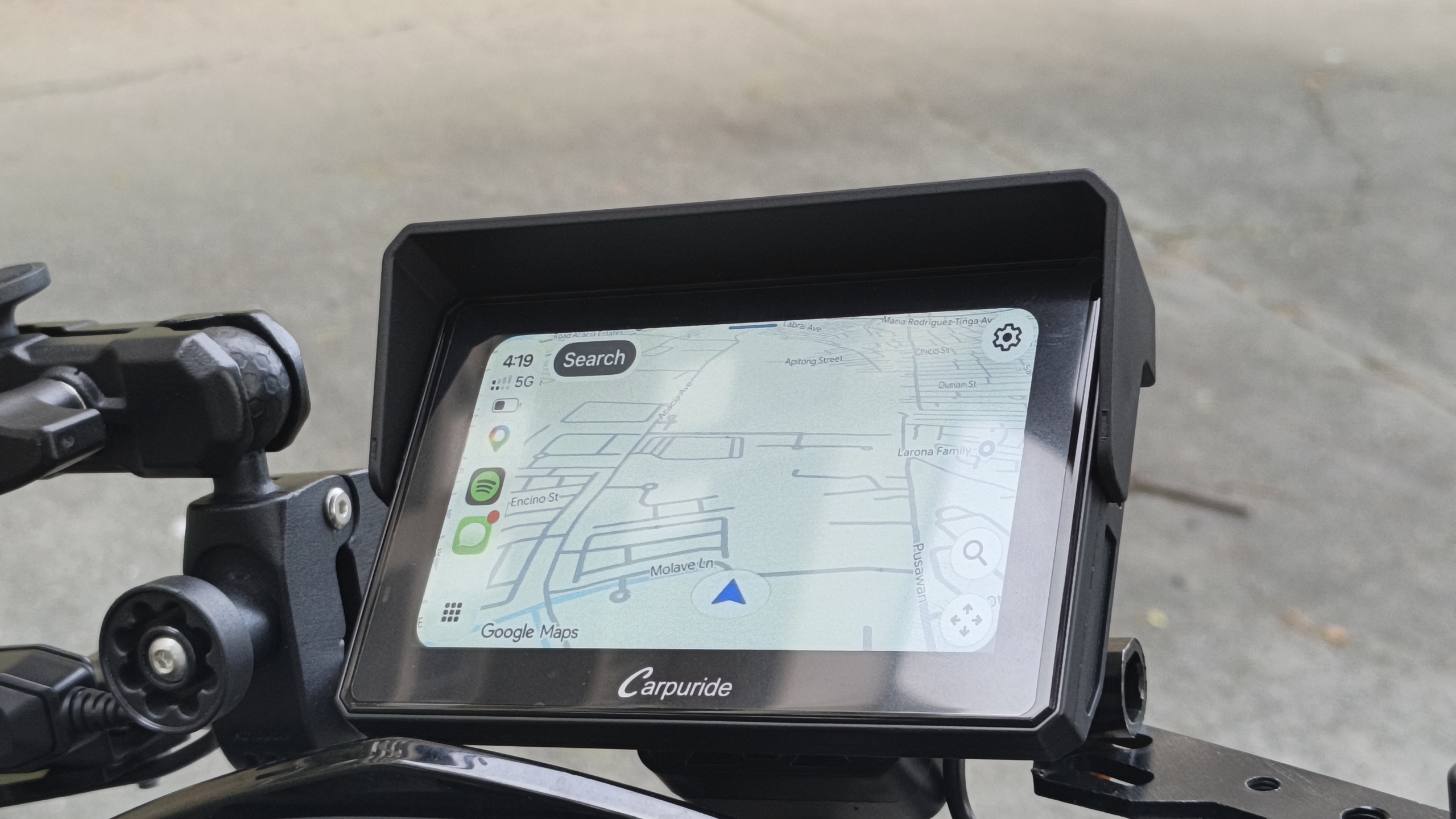
The trade-off with the smaller screen is exactly what you’d expect: text and map details are a little harder to read at a glance compared to the 7-inch. Not a dealbreaker, but worth knowing before you pick a size. If your bike has room for the bigger display, that’s still the easier read.
Display Visibility in Daily Riding
Even at 5 inches, the panel holds up well in direct sunlight, which matters more on a scooter than it might seem. Scooters put the rider more upright and closer to the display than a sportbike or tourer would, so glare and washout show up faster if the panel isn’t bright enough. On midday commutes, I never found myself squinting or cupping a hand over the screen to read a turn instruction.
The ambient light sensor handles brightness transitions the same way I remembered from the 7-inch model — smooth ramps rather than sudden jumps when riding from open road into shade. That consistency carries real value on a stop-and-go commute where lighting conditions change block to block. It’s a small thing, but it’s the kind of small thing you only notice when it’s missing.
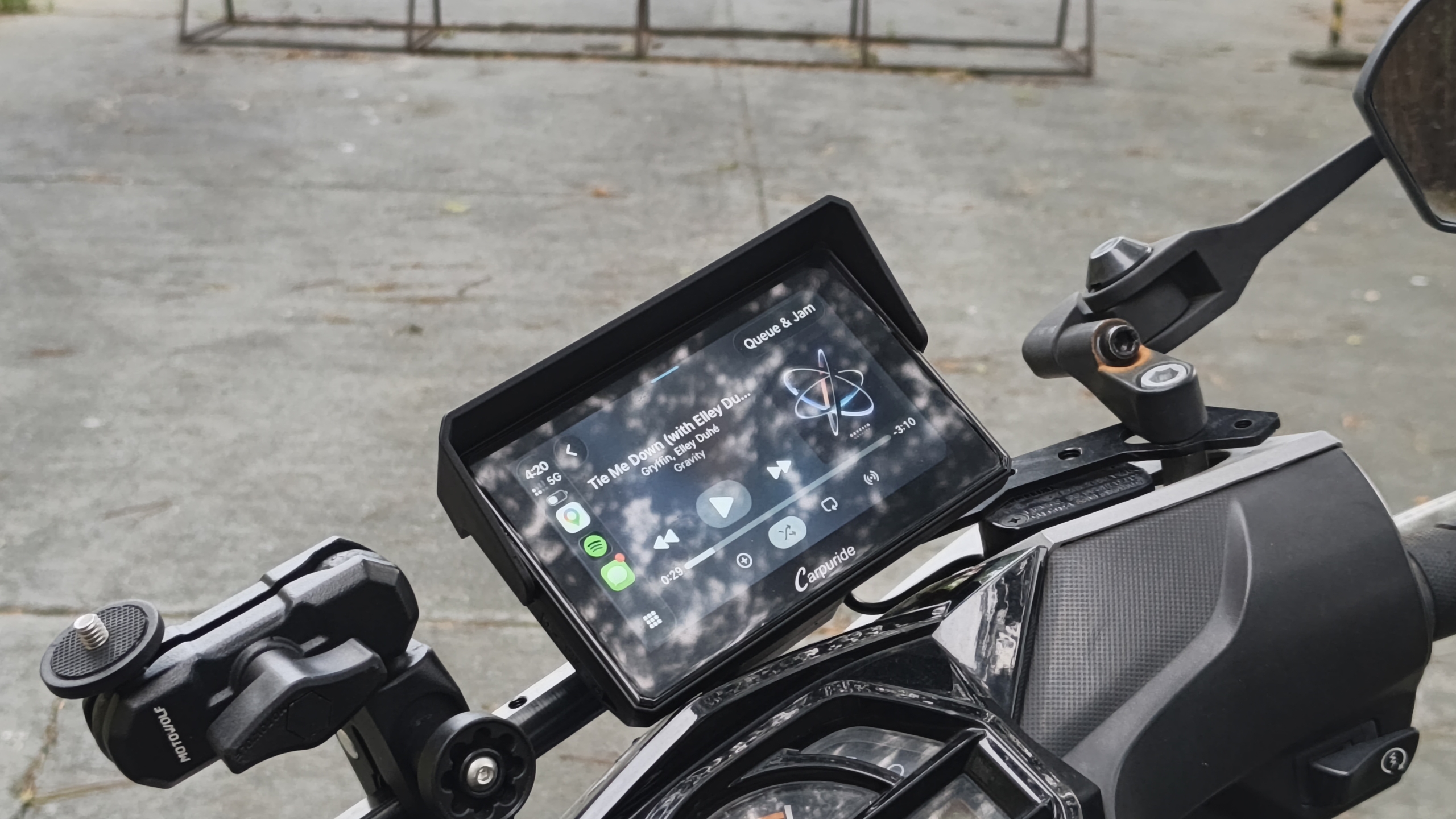
Night riding is where the smaller screen shows its only real limitation. Map text and app icons are naturally more compact at 5 inches, so glancing down for a split-second read takes a touch more focus after dark than it did on the bigger display. It’s not a safety issue in my experience, just a slightly steeper mental load in low light.
TPMS: The Feature That Actually Changes How You Ride
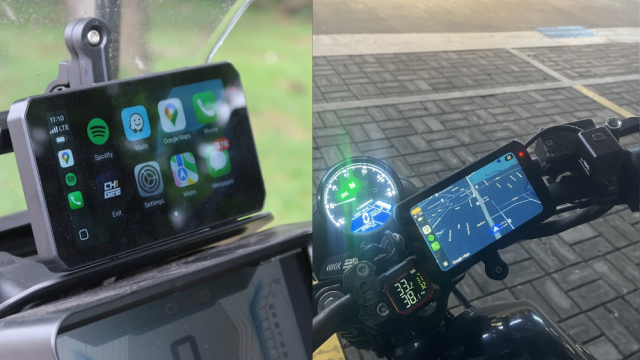
This is the headline upgrade over my old 7-inch unit, and it’s made the most practical difference. Installation on the valve stems was straightforward, with no special tools needed. Sensors came pre-paired, and pressure readings showed up on screen almost immediately after mounting.
Over the past few weeks, the readings have tracked accurately against a manual gauge check. That matters more than it sounds, since underinflated tires handle worse and wear unevenly. Having live pressure and temperature on the same screen I’m already glancing at for navigation removes the excuse to skip checking it.
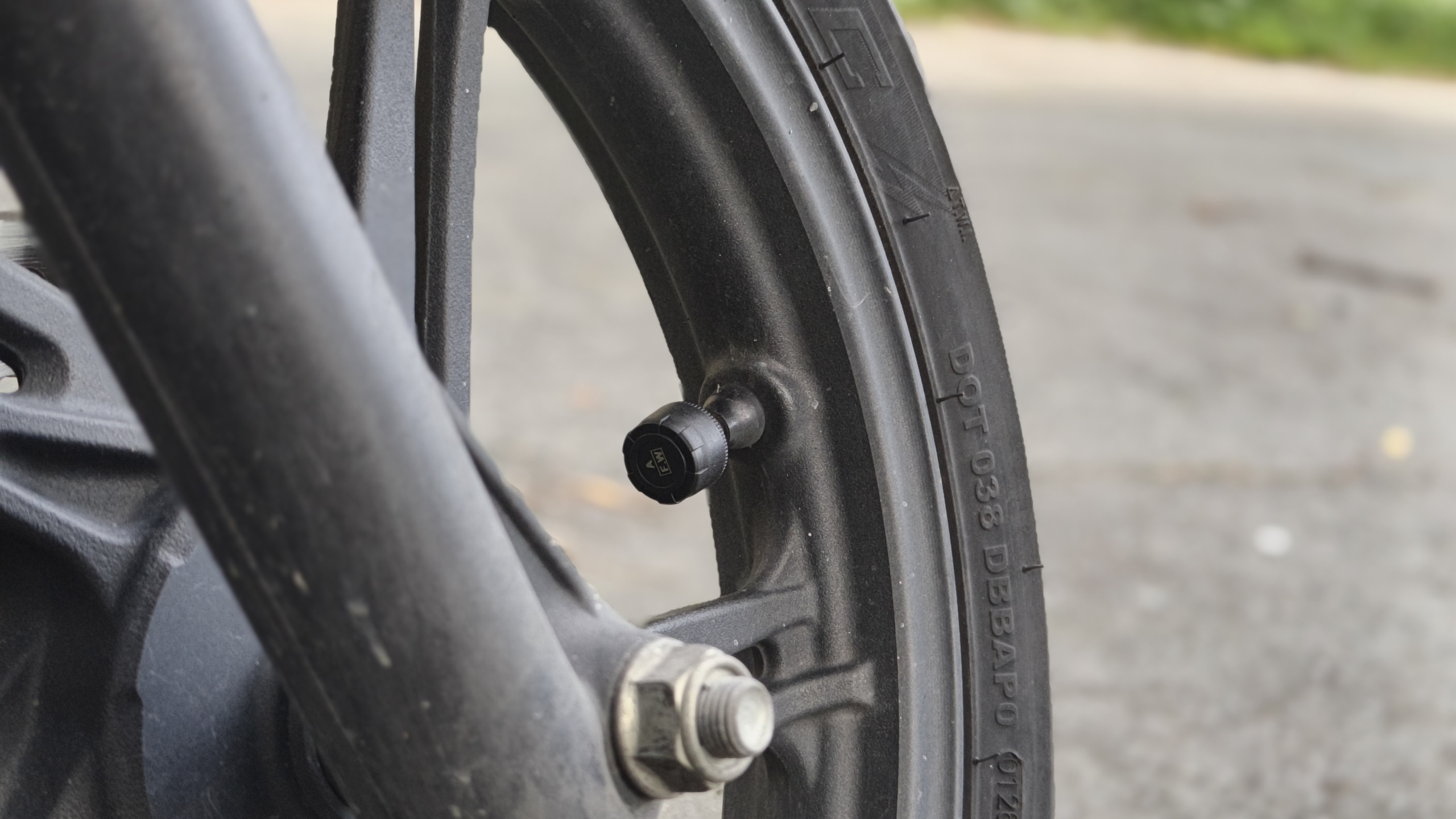
One thing worth flagging for anyone considering this upgrade: Carpuride builds the TPMS versions on different hardware, so it isn’t something you can add later. If there’s any chance you’ll want it, get it at checkout. It’s a small planning detail, but an important one before you buy.
Lean Angle: A Fun and Useful Addition
The lean angle sensor is another welcome addition, giving you an extra layer of riding data that makes the display more engaging. During steady cornering, the readout tracks the bike’s movement well and provides a useful visual reference for how much you’re leaning.
It can take a moment to catch up during rapid transitions, such as quick direction changes or mid-corner corrections, but for everyday riding, this doesn’t take away from the overall experience. For me, it’s more of an interesting piece of riding data than something I need to constantly monitor.
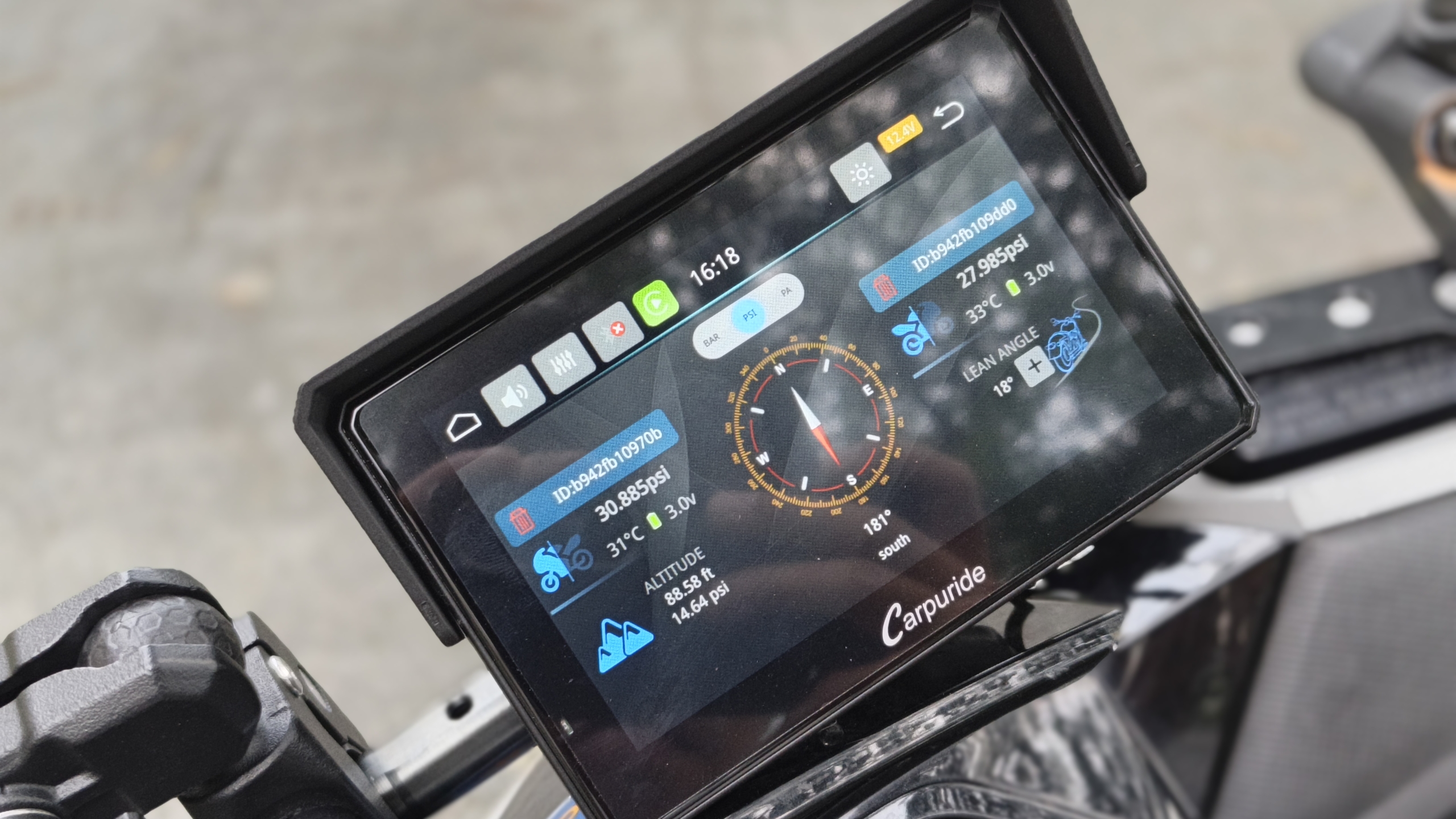
Think of it as a nice bonus rather than a dedicated performance telemetry tool. For commuting and spirited weekend rides, it’s a fun feature to have, and there’s still plenty of potential for even smoother responsiveness through future updates.
Mounting and Everyday Use
One thing I like about the Carpuride setup is that it gives you flexibility when it comes to mounting. It comes with two mounting options: a square bracket for a more fixed and straightforward installation, and a 360-degree ball mount that allows you to adjust the screen angle to better suit your riding position and cockpit layout.
I personally don’t have the quick-release bracket, so I can’t comment on its day-to-day convenience. However, with the standard mounting options, installation is straightforward, and the 360-degree ball mount is particularly useful for fine-tuning the screen’s position.
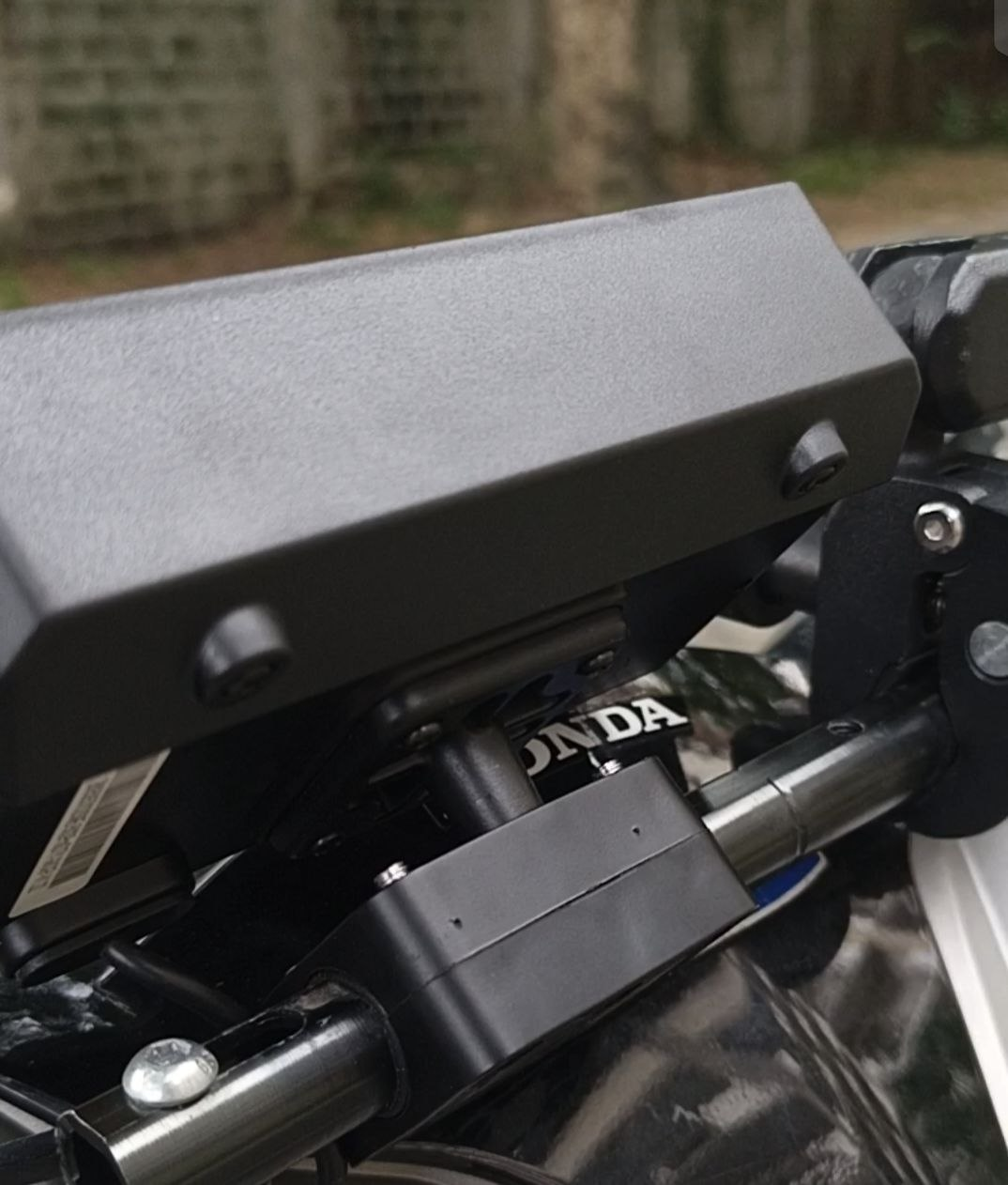
Day to day, boot time and CarPlay reconnection have been consistent with what I remembered from the 7-inch unit. Connections are quick and automatic, with no re-pairing ritual after a stop. That reliability is what makes the smaller unit easy to live with.
Value Assessment
At roughly the same price bracket as my old 7-inch unit once you add TPMS, you’re trading screen size for two genuinely new capabilities. TPMS alone is worth the trade for me, since it’s the kind of feature you don’t think about until it saves you from riding on a soft tire. Lean angle is a fun addition but still feels like a first pass rather than a finished feature.
The Bottom Line
The Carpuride W502S Pro + TPMS takes everything that worked about the 7-inch unit I ran before and adds a tire pressure monitor that’s proven accurate over a few weeks of scooter riding. The lean angle sensor is a nice bonus with real accuracy but occasional lag on quick transitions, so treat it as a feature that’s still maturing. The core CarPlay experience — fast, glove-friendly, reliable — hasn’t lost anything in the smaller package.
For riders on the fence about TPMS, this review should settle it: the sensors paired easily and the readings have held up against a manual check every time. Lean angle is more of a bonus feature than a reason to buy on its own, at least until Carpuride tightens up the responsiveness. Between the two, TPMS is the one actually worth paying extra for.
Carpuride W502S Pro + TPMS
A 5-inch waterproof CarPlay/Android Auto display with two mounting options—a square bracket and a 360° ball mount—plus wireless connectivity and an optional TPMS system for real-time tire pressure and temperature monitoring.
If you’re choosing between sizes, get the 5-inch if your cockpit is tight or you ride something more compact than a full touring bike. Step up to a 7-inch model if screen real estate matters more to you than saving bar space. Either way, if TPMS is on your list, it’s the standout upgrade in this generation of Carpuride’s lineup.